
Many teams have tried Claude or Microsoft Copilot on their own and want to know what comes next. Consulting should turn a good demo into something your staff use every day. Here is how an engagement usually runs when it is done well.
Start with the Problem, Not the Tool
The first step is a conversation about where manual work slows your people down. Claude suits some jobs, Copilot suits others, and sometimes a custom agent is the better fit. We are a Microsoft partner that works with both Claude and Copilot, so the recommendation follows the task rather than a single vendor. Our AI enablement page describes this multi-platform approach.
Connect the AI to Your Systems
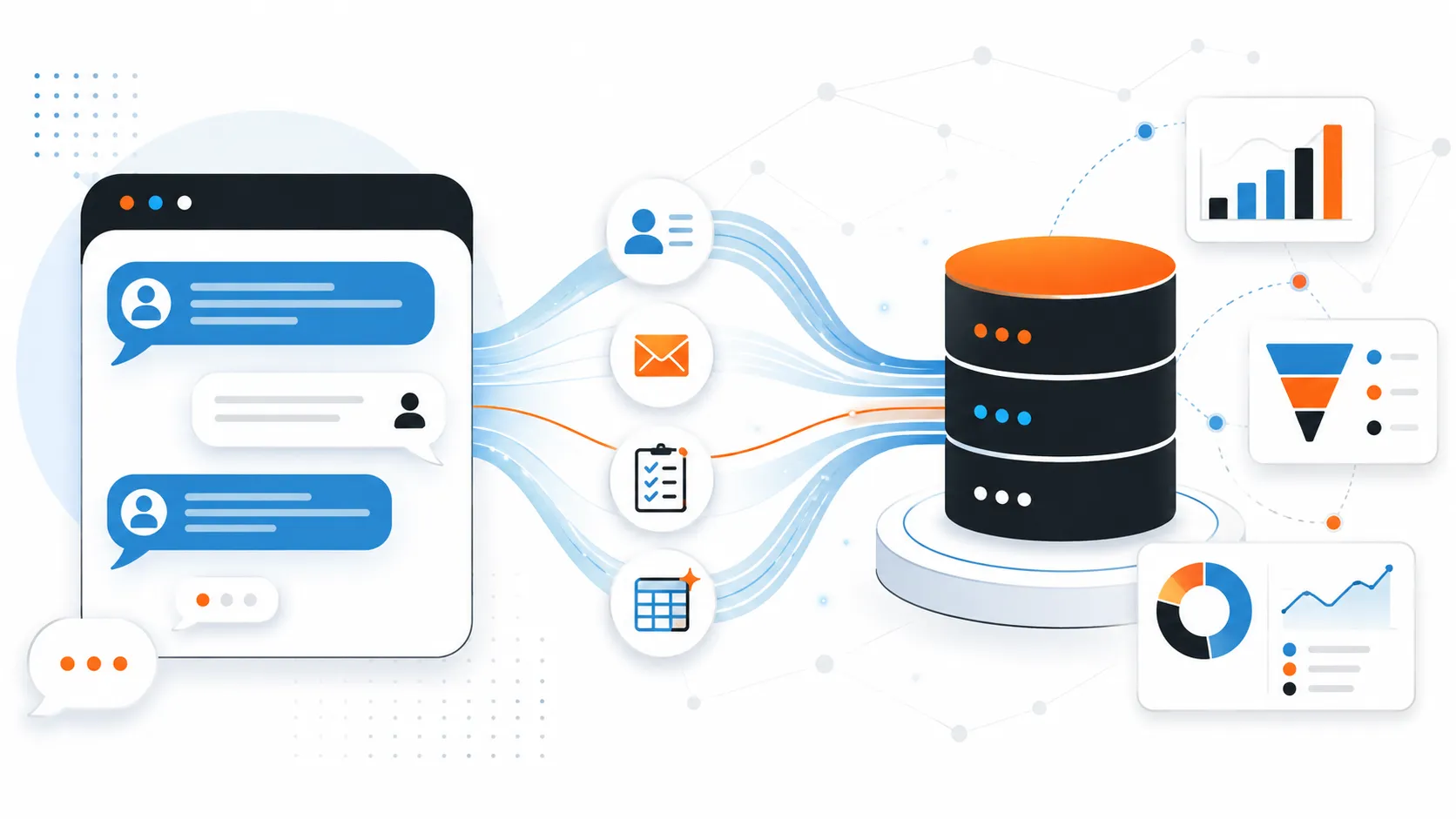
An assistant that cannot see your data cannot do much real work. Most of the effort goes into connecting Claude or Copilot to the systems that hold your records, such as Dynamics 365, Microsoft 365 and SharePoint. The Model Context Protocol (MCP) is an open standard that lets an AI agent look up information and create records through plain conversation. For a closer look at the CRM side, read Can Claude Connect to Dynamics 365? If your CRM is the system in question, our Dynamics 365 implementation work is where those connections live.
Set Limits People Can Explain
Before anything goes live, decide what the AI may read, what it may change, and where a person stays in control. For regulated or sensitive work, an agent can be built as a closed system that answers only from an approved knowledge base. We built one of these for Pension Corporation of America, and when the agent does not know an answer it opens a case for a person instead of guessing.
Build the Workflow Around It
Adoption depends on the workflow, not only the model. That can mean generating documents with Claude Skills, or triggering Power Automate flows from records the AI creates. The aim is a finished result, not just a conversation.
Train the People Who Will Use It
Tools only help when staff know how to use them. If you want practice before committing to a larger project, see AI in the Workplace, our 4-week practical course.
Questions to Ask Any Consultant
- Which AI tools do you work with, and will you recommend the one that fits rather than the one you sell?
- How will the AI connect to our systems, and who controls what it can do?
- What happens when the AI does not know the answer?
- Who supports it after launch?
If you would like to talk through where AI could help your team, book a free call.